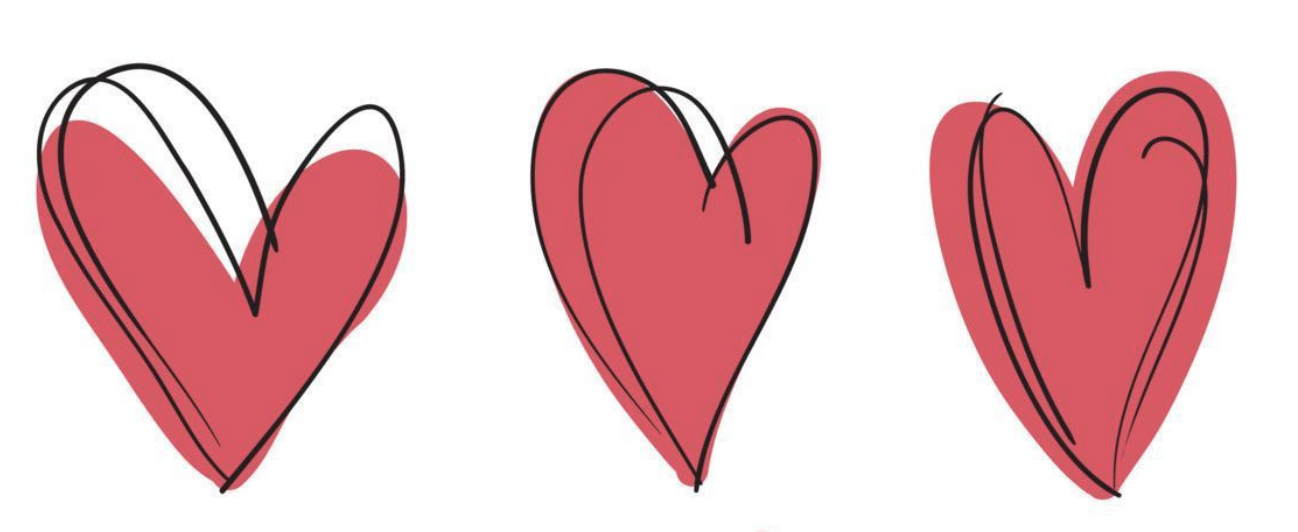
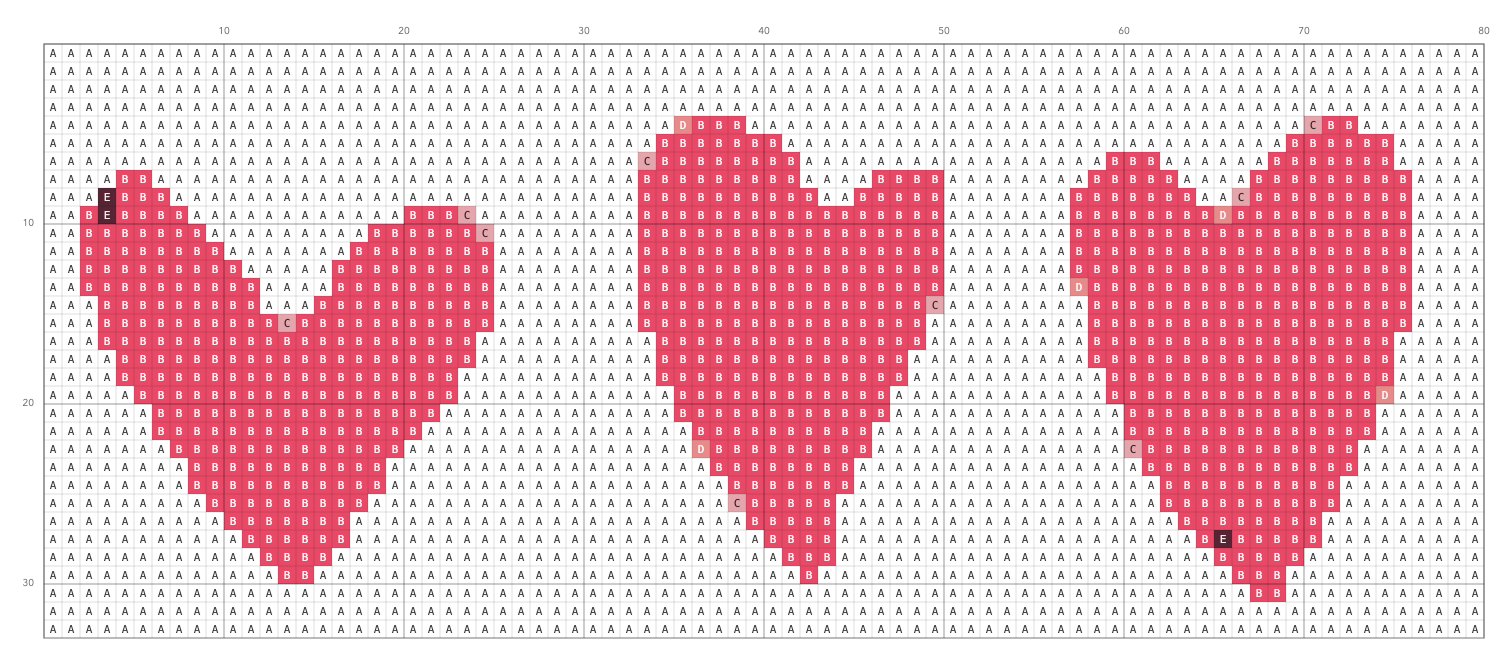
Simple pattern maker
Cross Stitch Generator
Convert your photos into a cross stitch patterns! Everything runs in your browser - no uploads to a server.
Recommended starter settings
| Image type | Stitches wide | Max colors | Dithering | Confetti cleanup |
|---|---|---|---|---|
| Logo / cartoon | 60–140 | 6–20 | Off | None / Light |
| Portrait photo | 150–250 | 24–50 | On | Light |
| Small icons | 40–80 | 4–10 | Off | Medium / Strong |
02 · Workspace
Input preview
Quick guide
- Choose an image (a simple photo or clear artwork works best).
- Pick a stitch width. Try 80–120 to start.
- Limit colors. Start with 12–24 DMC colors for cleaner charts.
- Optional: enable Dithering for smoother gradients.
- Optional: use Confetti cleanup to reduce isolated single stitches.
- Your first pattern generates automatically. Use Generate again after changing settings.
Troubleshooting
- If the chart is too detailed, reduce Stitches wide or Max DMC colors.
- If the chart is too blocky, increase Stitches wide (and optionally enable dithering).
- If printing is hard to read, increase Chart cell size (px).
More details: Tutorial · FAQ · Privacy
Copyright reminder: only convert images you have permission to use.
Support
FAQ
Does this site upload my image?
No. The generator runs in your browser. Your image is processed on your device.
Why does my chart look “blocky”?
- Increase Stitches wide to add detail.
- Increase Max DMC colors a little.
- Try Floyd–Steinberg dithering for gradients.
Why do I see lots of single stitches (“confetti”)?
- Reduce Max DMC colors.
- Enable Confetti cleanup (start with Light).
- Try a simpler image or crop out noisy backgrounds.
Are the DMC colors accurate?
They’re a best-effort match. Always compare to real floss before buying a large set.
My printer makes the chart too small / hard to read. What can I do?
- Increase Chart cell size (px).
- Download the PNG and print it at a larger scale.
- For large charts, consider printing in multiple pages.
DMC Thread Colors
Generate a pattern to populate this section.
Affiliate links
Shop the colors in your pattern
Use the DMC number in each row to find matching six-strand embroidery floss. Check the color number on the product page before ordering.
| Shop | Symbol | Swatch | DMC | Color Name | Stitches |
|---|
Complete your cross-stitch kit
Color Symbols Chart
Generate a pattern to populate this section.
White & Black Symbols Chart
Generate a pattern to populate this section.
Stitched Preview
Generate a pattern to populate this section.
A fast preview without symbols or grid lines.
Outline Overlay
Generate a pattern to populate this section.
Draws edges where colors change. Can be used as a backstitch guide.